Welcome to Eduskript
As a teacher, you get a public webpage just like eduskript.org. On it, you place your skripts that are made up of pages. So below>
- 'First steps' (green) is the skript
- 'Welcome to Eduskript' (orange) is the first page of this skript
- 'User Manual' is a collection of skripts. It's optional.
To get started, login and/or click your profile button to get to the Dashboard.

The Page Builder
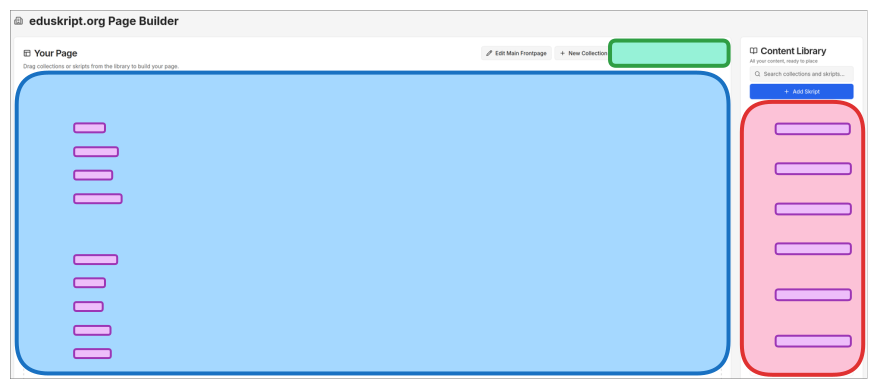
Place skripts on your public page (blue) by dragging them from your library (red).
"View Public Page" (green) takes you to your public page. Clicking the skript name opens the editor, where you edit its content (violet).
The Page Editor
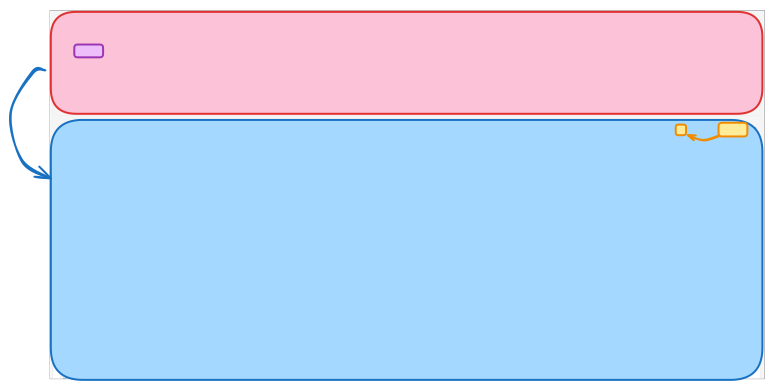
At the top you can edit aspects of the whole skript (red). Under Pages you find all pages (violet) of this skript, which you edit with a click in the page editor below (blue). When you save changes, the eye icon takes you straight to your public page (orange).